Creating Depth: A Guide to the LIFE Multilayer Cut Template for Home Decor
In the evolving world of digital crafting and interior design, the shift from flat, two-dimensional decorations to immersive, three-dimensional art has opened new avenues for creativity. At the heart of this transformation is the LIFE Multilayer Cut Template, a sophisticated design resource tailored for home decor enthusiasts, professional makers, and small business owners. This article explores the intricacies of using layered SVG files to create stunning paper cut artwork, offering practical guidance on materials, assembly, and the artistic potential inherent in these digital templates.
Understanding the Essence of Layered Design
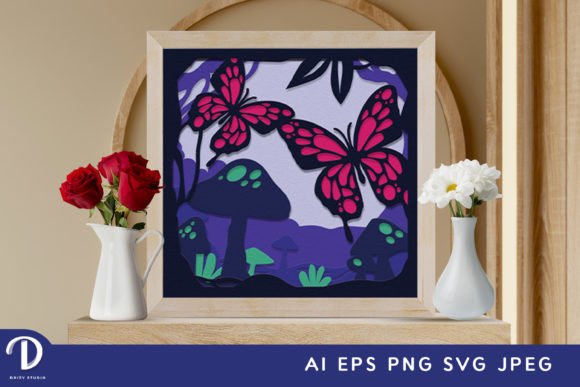
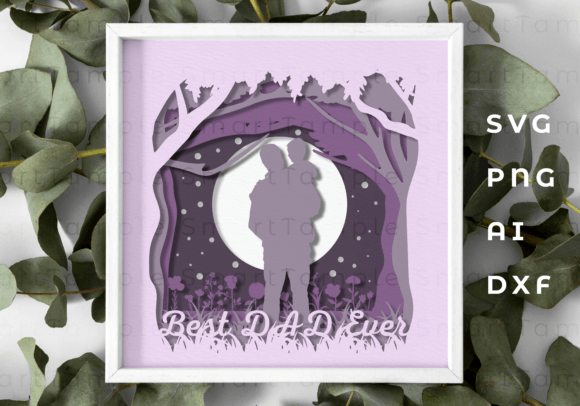
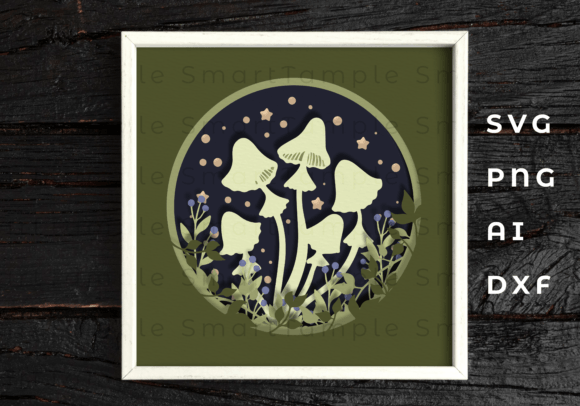
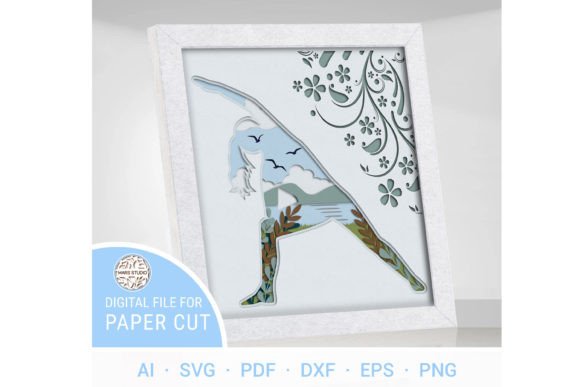
The concept behind the LIFE Multilayer Cut Template is rooted in the idea of life as a delicate tapestry. Unlike traditional single-layer cutouts, this design approach utilizes multiple stacked layers to create depth, shadow, and a sense of movement. When assembled, the finished product encapsulates the multifaceted nature of existence, capturing beauty, resilience, and interconnectedness through physical form.
For creators using machines like Cricut, Silhouette, or other CNC cutting devices, these LIFE Digital multilayer SVG files serve as the blueprint for transforming raw materials into gallery-worthy pieces. The template is not merely a pattern; it is a structured guide that allows users to immerse themselves in the captivating essence of life, translating abstract concepts into tangible art.
The Technical Foundation: File Formats and Compatibility
One of the primary strengths of the LIFE Multilayer Cut Template lies in its versatility across different software and hardware ecosystems. Upon acquiring the design, users receive a comprehensive .zip file containing formats compatible with nearly every major design and cutting platform:
- .SVG: Ideal for web-based cutters like Cricut Design Space and Silhouette Studio.
- .AI & .EPS: Perfect for professional vector editing in Adobe Illustrator.
- .DXF & .DWG: Suited for CAD software and laser cutting applications.
- .CDR: Compatible with CorelDRAW users.
- .PDF: Useful for manual tracing or printing references.
It is crucial to remember that before utilizing these files, the .zip folder must be unzipped. This simple step ensures that all seven distinct layers are accessible and ready for import into your preferred design software. The availability of these varied formats ensures that whether you are a hobbyist with a desktop cutter or a professional with an industrial laser, the LIFE Multilayer Cut Template integrates seamlessly into your workflow.
Material Selection and Structural Integrity
Creating a successful 3D shadow box or wall hanging requires more than just a good design; it demands the right materials. The LIFE Multilayer Cut Template is engineered to work with a diverse range of substrates, allowing creators to choose based on their desired aesthetic and durability requirements.
Recommended Materials:
- Plywood & MDF: Excellent for rustic or modern wooden decor. These materials provide rigidity and a natural texture that enhances the organic feel of the "Life" theme.
- Acrylic & Plexiglas: Ideal for contemporary, sleek looks. Acrylic allows light to pass through, creating interesting refraction effects when layers are stacked.
- Cardboard & Paper: Perfect for prototyping, intricate paper-cut art, or lightweight wall hangings. High-quality cardstock can yield surprisingly durable results if handled correctly.
Thickness Considerations:
For wood-based projects, the recommended material thickness is between 3mm to 6mm (approximately 1/8in to 1/4in). This range provides enough depth to cast meaningful shadows between layers without making the final piece too bulky or heavy. If you opt for acrylic, similar thicknesses apply, though thinner sheets (3mm) often yield sharper details for intricate elements.
Scaling and Proportional Challenges
A common question among users is whether the LIFE Multilayer Cut Template can be resized. The answer is yes, but with important caveats. While increasing the size of the design generally poses no issues and simply results in a larger statement piece, reducing the design requires careful consideration.
The template features thin, delicate elements that represent the fine threads of life's tapestry. If the design is scaled down too significantly, these elements may become too fragile to cut cleanly or may break during the weeding and assembly process. For beginners, it is advisable to stick to the standard finished product size of 8 x 8 inches or larger to ensure structural integrity.
The Assembly Process: From Digital File to Physical Art
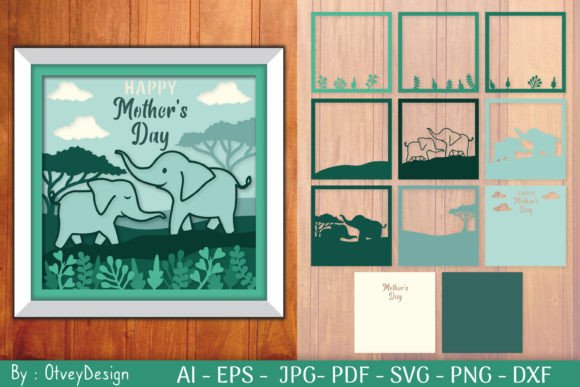
Transforming the LIFE Digital multilayer SVG files into a finished masterpiece is a methodical process that rewards patience and precision. The design consists of 7 distinct layers, each contributing to the overall depth and narrative of the piece.
Step-by-Step Construction Guide
1. Preparation and Cutting:
Import your chosen file format into your cutting software. Ensure that the machine settings (blade depth, pressure, speed) are calibrated specifically for your chosen material thickness. Cut all seven layers carefully.
2. Painting and Finishing:
A critical rule for this specific template is to paint before gluing. Because the layers overlap, accessing the edges and undersides of inner layers becomes impossible once assembled. Whether you choose a monochromatic palette to emphasize shadow play or a vibrant spectrum to highlight the diversity of life, apply your finish to each layer individually and allow them to dry completely.
3. Layering and Adhesion:
Begin assembling from the background layer forward. Use a strong adhesive suitable for your material—wood glue for timber, solvent cement for acrylic, or double-sided tape for paper. Align each layer precisely according to the registration marks provided in the digital file. The goal is to create a seamless transition where the negative space of one layer reveals the details of the next.
Applications and Real-World Scenarios
The versatility of the LIFE Multilayer Cut Template makes it suitable for a wide array of applications beyond simple wall art. Understanding where and how to use these designs can maximize their value for both personal projects and commercial ventures.
- Residential Home Decor: The 8x8 inch size is perfect for creating gallery walls, shelf accents, or focal points in living rooms and bedrooms. The thematic focus on "Life's Delicate Tapestry" adds an emotional resonance to the space.
- Gift Giving: A handmade, multi-layered piece serves as a thoughtful, personalized gift for weddings, anniversaries, or housewarmings. The effort involved in assembling seven layers conveys a deep sense of care.
- Small Business Products: Entrepreneurs can utilize the LIFE Multilayer Cut Template to produce inventory for Etsy shops, craft fairs, or boutique stores. The high perceived value of 3D art allows for healthy profit margins.
- Educational Projects: Art teachers can use simplified versions of the layering concept to teach students about depth, perspective, and the importance of precision in design.
Evaluating Suitability for Your Project
Before committing to a project using the LIFE Multilayer Cut Template, consider your skill level and available tools. While the digital files are user-friendly, the physical assembly requires a steady hand and attention to detail. If you are new to layered crafting, starting with paper or cardstock is recommended. These materials are forgiving and allow you to practice alignment and adhesion techniques without the cost of wasting wood or acrylic.
Furthermore, consider the lighting environment where the piece will be displayed. The beauty of a 3D SVG shadow box is heavily dependent on light interaction. Placing the artwork near a window or under directional lighting will enhance the shadows cast by the seven layers, bringing the "tapestry of existence" to life in a dynamic way.
Conclusion: Embracing the Complexity of Creation
The LIFE Multilayer Cut Template represents more than just a downloadable file; it is an invitation to explore the complexity of creation. By bridging the gap between digital precision and tactile craftsmanship, it empowers users to produce home decor that is both visually striking and emotionally meaningful. Whether you are a seasoned professional looking to expand your product line or a creator seeking a fulfilling weekend project, these layered SVG files provide the foundation for something extraordinary.
As you embark on your journey with LIFE Digital multilayer SVG files, remember that the true value lies not just in the finished 8x8 inch product, but in the process of building it layer by layer. Each cut, each painted edge, and each glued joint contributes to a final piece that stands as a testament to the intricate, resilient, and beautiful nature of life itself.